Nobody reads the manual: in-screen help, a guided tour and a checklist that checks itself
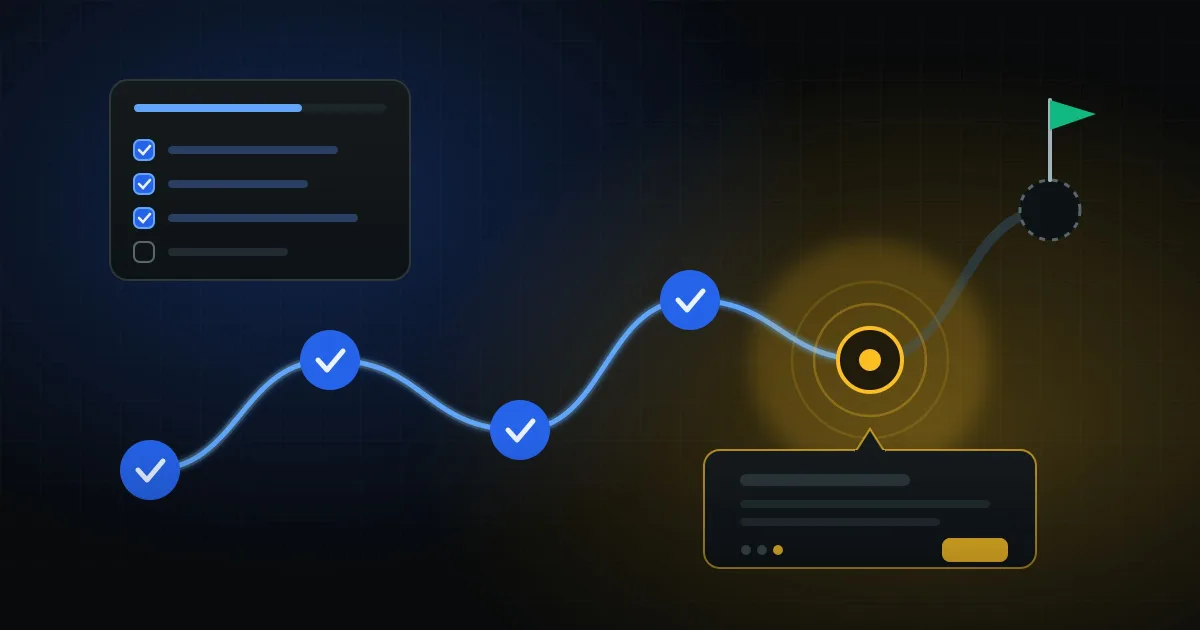
After signup, the void
A few weeks ago I wrote about the signup flow that scared everyone away: company tax ID, email confirmation and 2FA before showing anything. I cut that friction.
But getting into the panel is not the same as getting value. An empty management system is intimidating: a full menu, tables with no data, no hint of where to begin. If the person does not reach a first result in the first session, the odds of them coming back the next day are low.
In Oficina Simples, I defined the first result like this: the shop owner sends a quote and the customer approves it on their phone. Everything in onboarding exists to shorten the path to that moment.
That path became three layers.
Layer 1: a "Help" button on every screen
Every important screen has a help button in its header. It opens a short modal with what the screen does, the most common questions and the next step.
The content lives in one place, organized by key, instead of being scattered across views. And there is a rule the code enforces: a test fails if any screen points to a key that does not exist, or falls back to generic text. You cannot forget the help for a new screen and only find out when a customer asks.
Layer 2: a tour that respects what the person can see
The guided tour is a list of steps: which page, which element to highlight, and what to say.
The detail that made the difference: each step is only included if the person can access that screen. It uses the same permission check as the menus. If the shop turned off inventory, the inventory step disappears. If the user is a mechanic who cannot see finances, the finance step disappears. Nobody gets a tour showing a screen that will return a 403.
Progress is stored in the browser so it survives the page changes the tour itself causes. And the "First time here?" invitation only shows up for accounts less than 7 days old. Someone who has used the system for months does not need to be interrupted.
Layer 3: a checklist that checks itself
On the dashboard, a "Getting started" card lists the path to the first result:
- Complete the shop's details (phone and logo go on the quote).
- Add the services you perform most often.
- Add a customer with their vehicle.
- Open the first work order.
- Send a quote to the customer.
- Choose the menus the shop uses (optional).
The most important decision: no item is checked by clicking. Each one is computed from real data. "Open the first work order" is done when a work order exists. "Send a quote" is done when a work order has left draft status.
That has three advantages:
- It does not lie. Nobody marks as done something they did not do.
- It works out of order. If the person figured out how to open a work order on their own, the item already shows as done.
- It needs no progress table. The onboarding state is the system's own state.
Each item has a one-line hint and a direct link to where to do it. The card only shows for owners and managers, and disappears once the required items are done or when the owner clicks "Hide".
The rule for new screens
Onboarding rots quickly. With every new screen, the help and the tour get a little more out of date.
To prevent that, it became part of the definition of done: a new screen gets a help button and content; if it is part of the main flow, it gets a tour step. The help test enforces the first part automatically.
What I learned
- Define the first result before designing onboarding. Without it, the tour becomes a guided walk through the menu.
- Help that depends on discipline is help that will be missing. Put a test in the way.
- Compute progress from data, not clicks. It is simpler and it is more honest.
- Respect permissions everywhere, including in help. A tour that shows what the person cannot use teaches them the system is broken.
Related posts
Hiding the menu is not access control: how I built modules each customer can switch on and off
A small shop does not want to see commissions, invoicing and a customer portal on day one....
A webhook is not a source of truth: what I learned integrating electronic tax invoices
Tax invoices are processed in the background: you issue one, get 'processing' back, and th...
My second SaaS started from the code of the first: what I could reuse and what I had to rewrite
Oficina Simples was born as a fork of Estoque Simples. Login, plans, billing, privacy comp...