Hiding the menu is not access control: how I built modules each customer can switch on and off
The request
Oficina Simples kept growing: work orders, quotes, scheduling, a kanban board, parts inventory, billing, accounts payable, commissions, tax invoices, a customer portal.
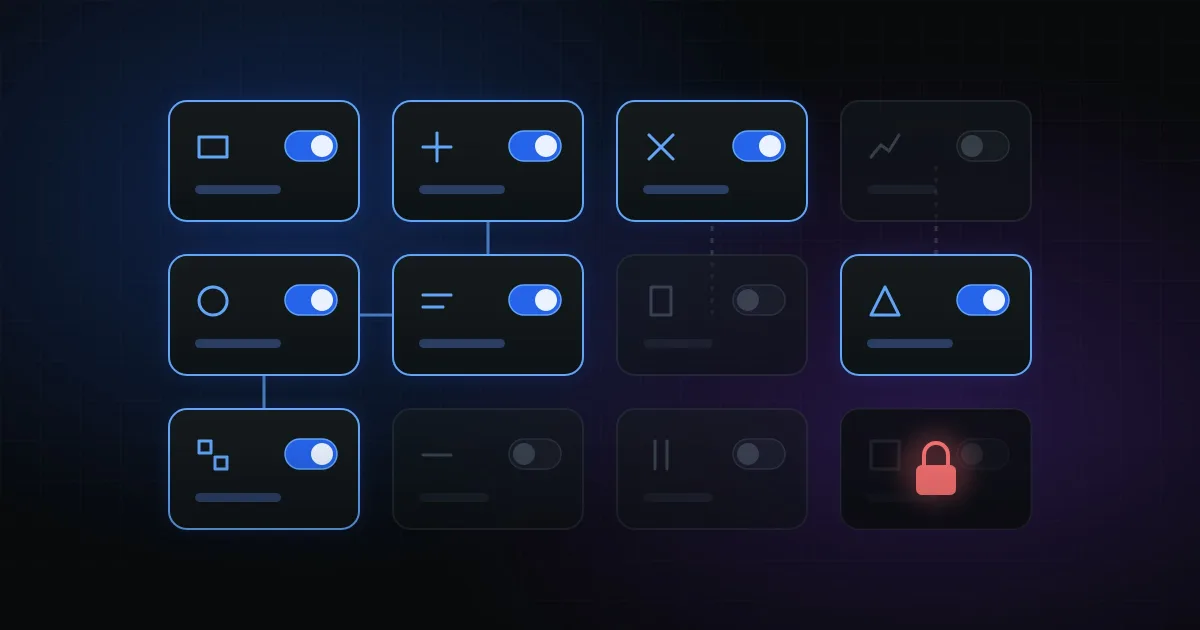
For a three-person shop, that is too much menu. The natural answer was to let each shop choose what it uses, under Settings → Menus and modules.
The first version that came to mind was hiding the menu items. It would have been a mistake.
Why hiding the menu is not enough
A hidden menu item still has a working URL. And, worse, everything that happens behind the screen keeps working:
- A completed work order still deducts parts from an inventory the shop says it does not track.
- The daily low-stock alert keeps arriving.
- The customer keeps getting a link to a portal the shop turned off.
A disabled module has to be truly disabled. That changed the entire design.
Three conditions, one place
A screen is accessible, in the menu and by URL, only when three things are true:
- The plan allows the feature.
- The shop turned the module on, and all its dependencies are on too.
- The user's role can see that screen.
A single class answers that question, and every screen calls it. Since Filament uses the same method both to build the menu and to open the page, a disabled module returns 403 even for someone typing the address. There is no way for the menu to say one thing and the URL to do another.
Dashboard widgets follow the same rule through another trait. Nothing gets a pass because "it is just a card".
A single source of truth
Each module is a case of an enum that declares everything about it:
- label, description and icon;
- which screens and widgets belong to it;
- which other modules it depends on;
- which plan feature it requires;
- which automations stop when it is turned off;
- how to count its open records.
Creating a new module means filling in that enum and applying the trait to its screens. Nobody has to remember to update a list in another file.
Turning off the module turns off the behavior
Side effects check the module explicitly:
- Inventory off: work orders do not deduct parts and the low-stock alert is not sent.
- Preventive maintenance off: customers are not notified.
- Commissions off: nothing is calculated on completed work orders.
- Tax invoices off: the issuing service refuses to issue.
- Customer portal off: the public route returns 404 and links stop being sent.
This is the easiest part to forget: jobs, services and public routes do not go through the menu. They have to ask on their own.
Dependencies that resolve themselves
Some modules make no sense without others. Counter sales need inventory. So:
- Turning on counter sales turns inventory on too.
- Turning off inventory takes counter sales down with it.
The settings screen keeps this consistent while the user clicks, instead of letting them save an impossible state.
Warn before turning off
Before saving, the system compares what is on today with what will stay on and shows, for each module about to go:
- the menus that will disappear;
- the automations that will stop;
- the dependent modules that go down with it;
- the open records, such as "2 pending or overdue charges".
And one important guarantee: nothing is deleted. Turning the module back on brings everything back as it was.
Details that saved headaches
nullmeans "never configured" and counts as everything on. Shops that existed before the feature lost nothing on deploy.- Presets (Basic, Essential, Complete) make the choice for those who do not want to think about it. Custom mode is there for those who do.
- Tests for side effects, not just the menu. The suite turns modules off and checks that stock deduction, notifications and invoicing actually stop.
The lesson
Per-customer feature flags look like an interface problem. In practice, they are an authorization and side-effect problem. If the rule lives in the menu, it leaks. If it lives in one place and everything asks it, it holds.
Related posts
A webhook is not a source of truth: what I learned integrating electronic tax invoices
Tax invoices are processed in the background: you issue one, get 'processing' back, and th...
My second SaaS started from the code of the first: what I could reuse and what I had to rewrite
Oficina Simples was born as a fork of Estoque Simples. Login, plans, billing, privacy comp...
You did not get 4x faster. You got 10x less secure — and now there is data
Nearly half of AI-generated code is born with an OWASP Top 10 flaw. Commits ship 4x faster...